
How to
Turn an ad click into a Telegram sequence that stops when they buy
Someone taps your ad, lands in a bot and hears nothing until launch day. A Telegram funnel signs them up with one tap, reminds them before the event, sends the offer after it, and lets the assistant answer when someone asks a real question.
Welcome! The free class is on Thursday at 19:00. Tap to save your seat.
Save my seat
Thursday · 1 hour before
We start in one hour. Here is your link to join.
Paid · funnel stopped
What it costs you today
Ad clicks go cold
Someone taps your ad on Monday. By the launch on Thursday they have forgotten who you are.
Reminders sent by hand
A day before, an hour before, at the start: three broadcasts to remember, each one sent to everybody at once.
Buyers keep getting the pitch
A customer who paid yesterday gets “last chance” today. It looks careless.
The recipe
Four steps with the building blocks you already have in MyChatBot.
- 1Channels
Connect your Telegram bot
A funnel runs on a bot connected to your assistant. Create one with @BotFather and paste its token under Channels.

- 2Automations
Start from the Countdown template
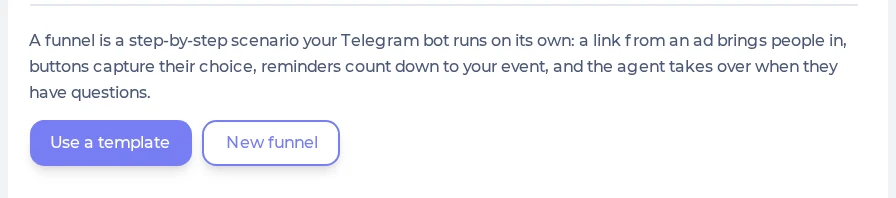
Open Automations, choose Telegram funnels and click Use a template. Make the messages and buttons yours, and set the event date in Settings.
- 3Automations
Say when the funnel stops
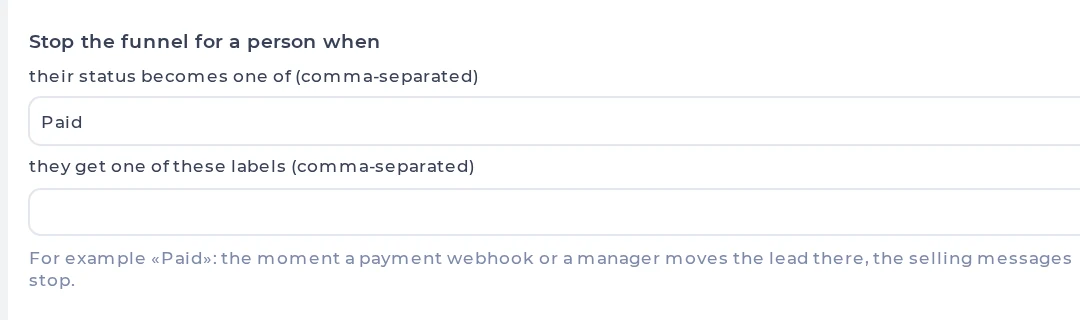
Add a status such as Paid to the exit rules. The moment a lead reaches it, the funnel ends for that person.
- 4Automations
Rehearse, activate and put the link in your ad
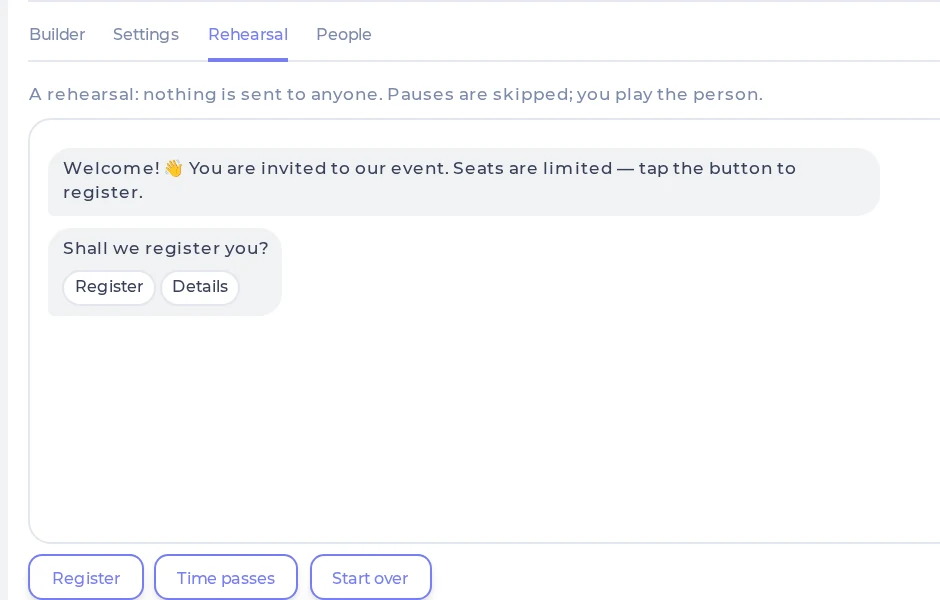
The Rehearsal tab plays the funnel with nothing sent to anyone. After you activate, your link appears: use it in an ad, a post or a QR code.
What the customer sees
The bot runs the sequence. When someone writes a real question, the assistant answers and the funnel keeps waiting.
AssistantWelcome! The free class “Skin care at home” is on Thursday at 19:00. Tap the button to save your seat.
CustomerSave my seat
AssistantYou are on the list. I will remind you a day before and an hour before.
CustomerWill there be a recording if I can’t make it?
AssistantYes. Everyone who signs up gets the recording the next morning.
✓Signed up · reminder set for Thursday, 18:00

 Or say it in ChatGPT or Claude
Open the Automations page for my assistant so I can set up a Telegram funnel, and give me the link to connect a Telegram bot first.
Questions owners ask
What happens when someone writes instead of tapping a button?
The assistant answers as it normally would, and the funnel keeps waiting for the tap.
How does the funnel know someone has paid?
You add a status such as Paid to the exit rules. The moment a lead reaches it, the funnel ends for that person, whoever made the change: a manager, the assistant or a webhook from your payment system.
Can I test it without messaging anyone?
Yes. The Rehearsal tab plays the whole funnel with nothing sent to anyone: you tap the buttons and type the replies yourself.
Can the bot write to people who never opened it?
No. A person enters the funnel by opening your link or by writing to the bot for the first time.
Have the funnel ready before the next ad goes live
Set-up is free. Start from the Countdown template, rehearse it and be the first to open your own link.