
How to
“How much is this one?” answered from a photo
Customers send a screenshot, not a product name. Let the assistant match the picture to your catalog and reply with the exact item, its price and what to do next.
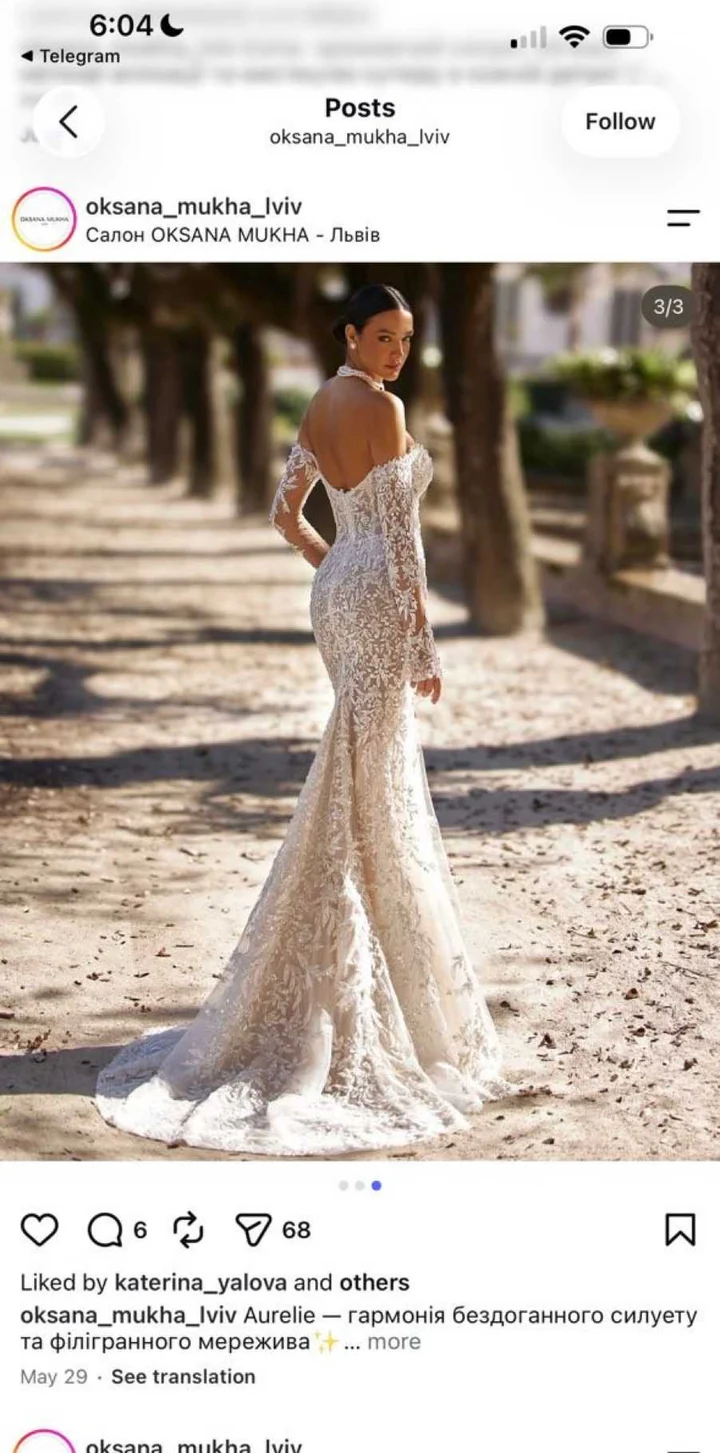
What is the price of this dress?
The model in the photo is AURELIE. Its current price is ₴105,000.
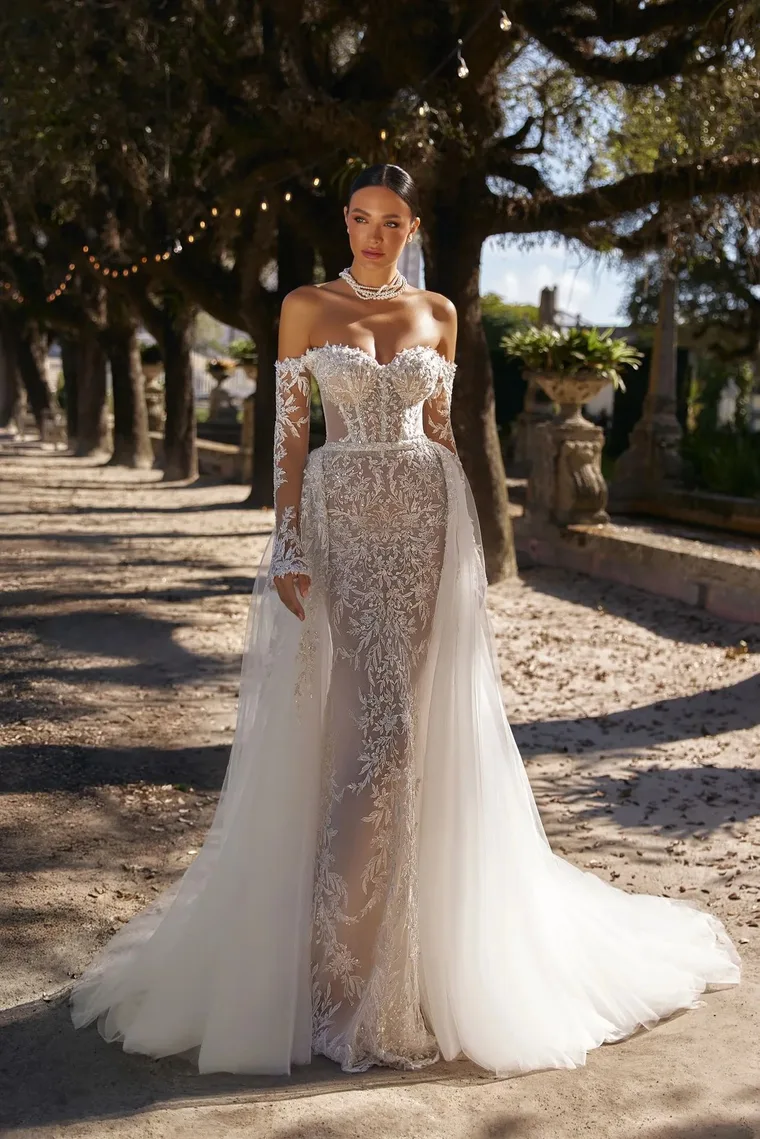 AURELIEMatched in the catalog₴105,000
What it costs you today
A photo with no name
Someone on your team has to recognise the item, look it up and type the answer.
“See our catalog” is not an answer
A generic link sends the customer away to search for what they already showed you.
The price in the reply is out of date
Answers typed from memory drift from the catalog.
The recipe
Four steps with the building blocks you already have in MyChatBot.
- 1Knowledge
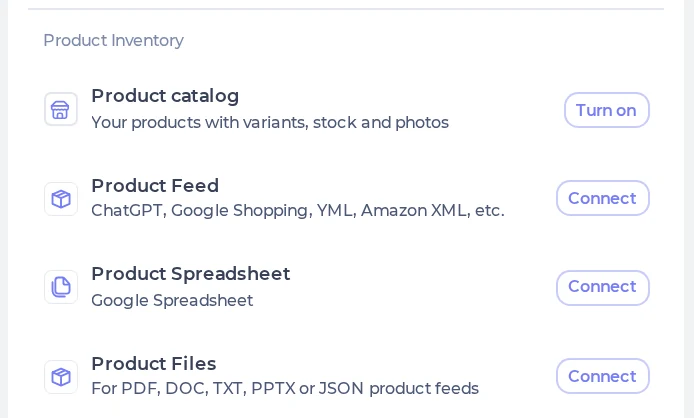
Connect your product feed
Google Shopping, YML, a Shopify store or a spreadsheet. The feed refreshes on a schedule you set.
- 2Knowledge
Switch on Index images
One switch on the Product Feed lets customers find products by sending a photo.
- 3Channels
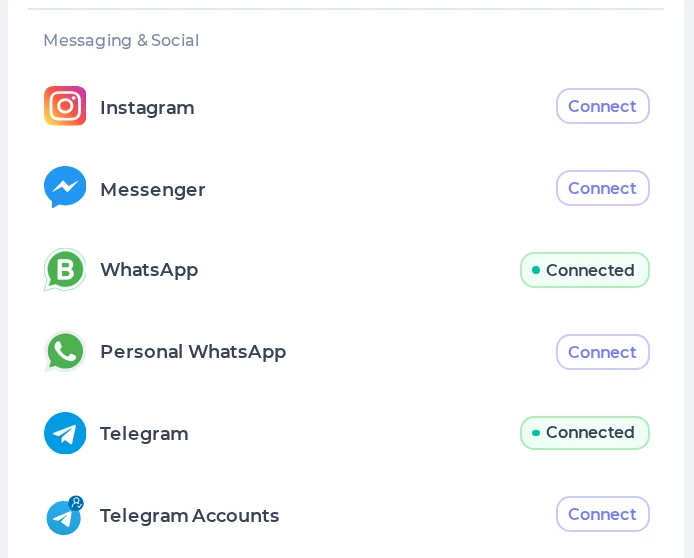
Connect Instagram or WhatsApp
Photos arrive where customers already send them. The same works on Messenger, Telegram and your website.
- 4Test
Send a photo in a private test chat
Check the match and the reply before any customer sees it.
What the customer sees
From a real account, condensed and anonymized: Oksana Mukha, a bridal salon.
Customer[photo of a dress from Instagram] What is the price of this dress?
✓Matched to the catalog: AURELIE
AssistantThe model in the photo is AURELIE by OKSANA MUKHA. Its current price is ₴105,000, and it is available to try in the Lviv salon. Would you like to book a fitting?

 Or say it in ChatGPT or Claude
Connect my product feed and let customers find products by sending a photo.
Oksana Mukha: 1,768 assistant messages in 30 days
903 customers served across six channels from a catalog of 723 live products. Account analytics, September 2026.Questions owners ask
What kind of photos work?
A screenshot from your Instagram, a picture of the product, or a photo the customer took. The match is blended with what they write, so a caption helps.
What if nothing matches?
The assistant says so and asks a question, or hands the chat to you. It does not invent a product.
Do I need a store platform?
No. A feed or a spreadsheet with image links is enough. Shopify and WooCommerce stores can be read directly.
Let your catalog answer the photo
Set-up is free. Connect a feed, switch on image search and try it with your own product pictures.