
How to
Answer “Price?” under your post, then carry on in Direct
A comment is a buyer raising a hand in public. Let the assistant reply under it and open a private conversation, for the posts and the words you choose.
Comment under your post
Price?
Thanks! The price is in your Direct.
In Direct
The linen set is €89, in sand, white or olive. Which size do you need?
Sand, queen size.
What it costs you today
“Price?” waits for hours
The post is doing its job at 21:00. The answer arrives the next morning, when the moment has passed.
The same reply, typed under every post
“Sent you a message!” fifty times a week is work nobody on your team wants.
A sale cannot happen in public
Nobody gives a size, an address or a phone number under a post. The order needs a private chat.
The recipe
Four steps with the building blocks you already have in MyChatBot.
- 1Channels
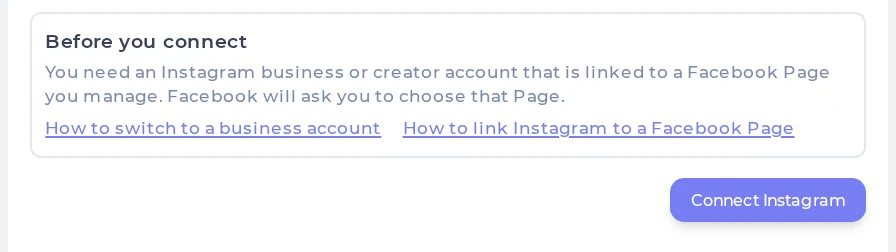
Connect Instagram or your Facebook Page
Sign in with Meta once. The same connection lets the assistant answer direct messages.
- 2Automations
Open Keyword Responder and pick the posts
Choose which posts and Reels to watch, up to 500. Comments on other posts are left alone by this automation.
- 3Automations
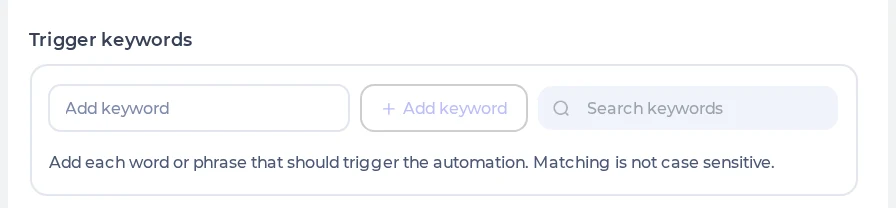
Add the trigger words
“Price”, “how much”, “size”: any word or phrase. Capital letters do not matter.
- 4Automations
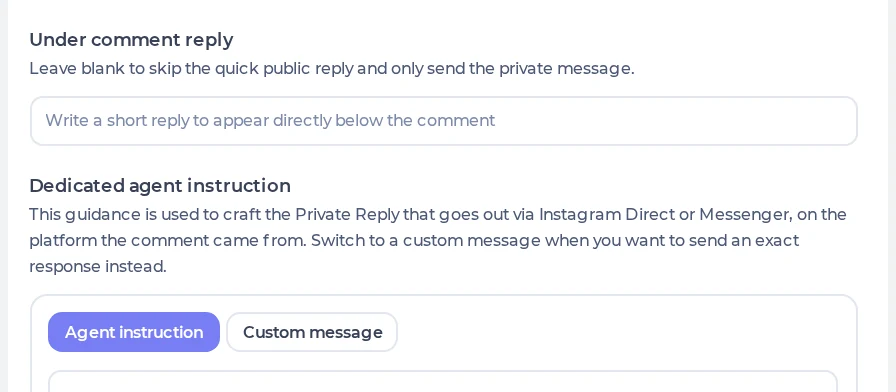
Write the public reply and the private message
A short line under the comment, then a message in Direct or Messenger: your exact text, or instructions the assistant follows. From there it answers as in any chat.
What the customer sees
A public reply under the comment, then the conversation moves to a private message.
Customer[comment under your post] Price?
Assistant[reply under the comment] Thank you! I have sent the price to your Direct.
✓Private message sent in Instagram Direct
AssistantHi! The linen bedding set from the post is €89. It comes in sand, white and olive. Which size do you need?
CustomerSand, queen size.
AssistantQueen size in sand is in stock. Shall I take your order here?

 Or say it in ChatGPT or Claude
Give me the link to connect my Instagram, then open the Automations page so I can set up replies to comments.
Questions owners ask
Does it reply to every comment?
Only to comments on the posts you picked that contain one of your words. A comment log shows every comment on those posts and what was done with it.
Does it work on Facebook too?
Yes. Connect your Facebook Page and choose its posts. The private message then goes out in Messenger.
Can each post have its own reply?
Yes. All chosen posts share one reply by default, and any post can have its own public reply and private message.
Turn the next “Price?” into a conversation
Set-up is free. Connect Instagram, pick one post and comment on it from another account to see both replies.